
If you grew up using a PC in the Windows 95 era, there is a pretty good chance Solitaire was one of the first games you ever played. When getting a new game meant a trip to the store and shelling out some serious cash, playing one of the few included games was something everybody did.
Even today, millions of people who got hooked on computerized solitaire back in the day, seek to relieve their boredom with the same game.
In this article, I will list some of the numerous Solitaire programs available for Linux.
1. The non-native way
Before we go over the most popular open source solitaire applications, it is worth noting one quick way to get playing.
Progressive Web Apps (PWA) enable us to install self-contained versions of many web apps on our desktops. Solitaire is one of those applications that fit perfectly in that category.
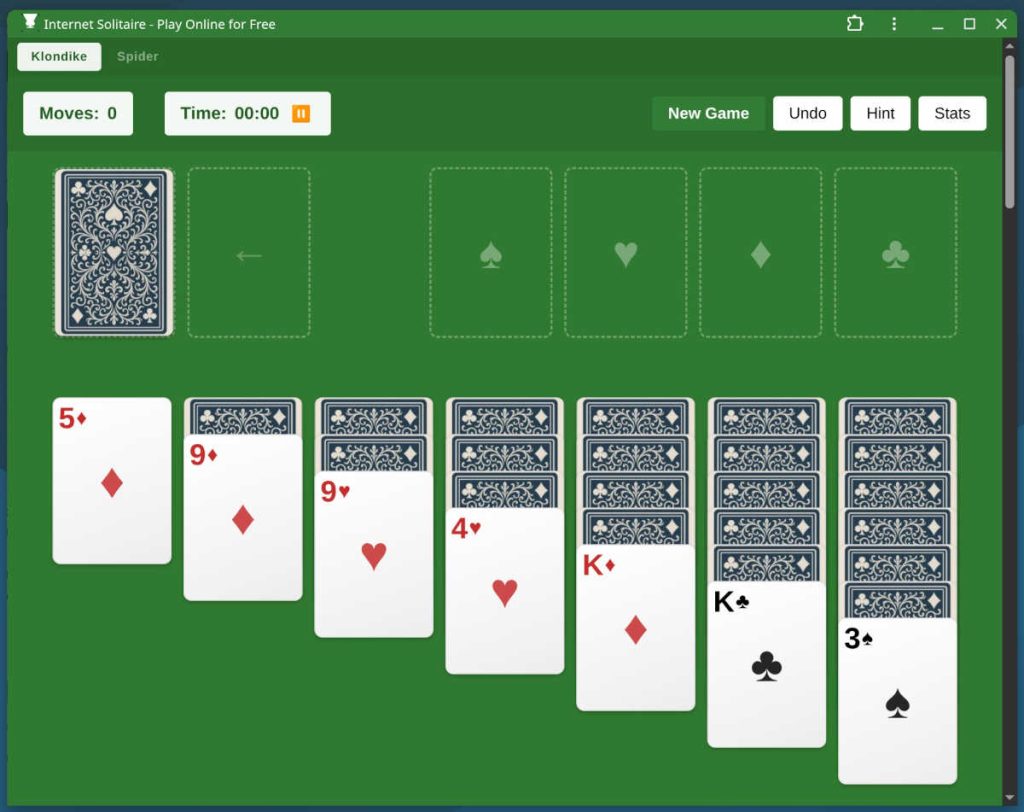

All you need to do is head over to your favorite solitaire web game like Internet Solitaire and check the address bar to see if there is an “Install App” button on the far right.
Once you have done that, you should be able to play the game, even offline.
2. Solitaire
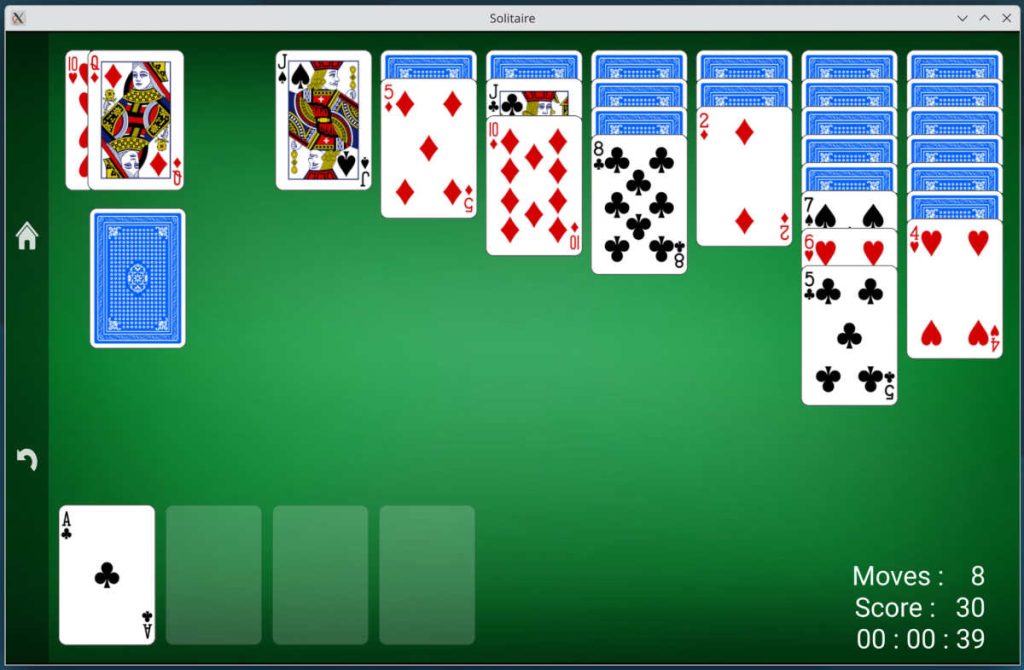
The aptly named Solitaire (by Sylvain Becker) is most likely to be the first one to pop up when you search for solitaire in your distro’s software center. Although I suspect this is less because of its popularity and more a result of the name being so on the nose.
When starting the game, you are greeted with a classic Klondike solitaire with three card draw. You can click the home button on the left side to access settings, where you can change to one card draw among other things.
It is a simple game with adequate graphics and does remind me a bit of the classic Solitaire game on Windows. The four foundation piles are placed at the bottom instead of being at the top, as is customary in Klondike, but you get used to it quite quickly.
3. AisleRiot
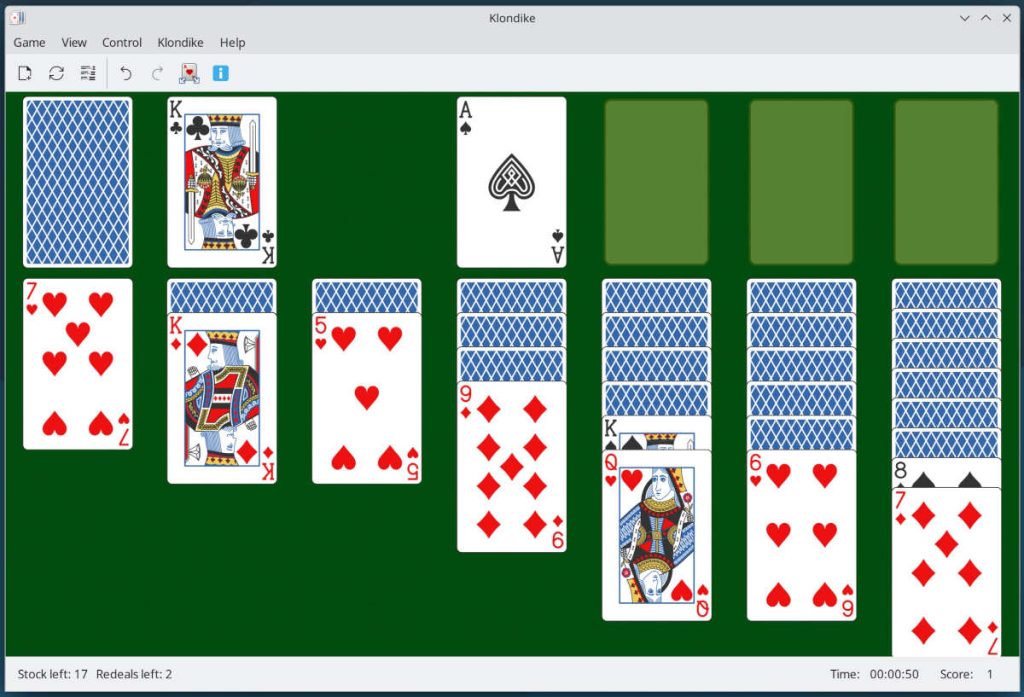
This one is a lot more bang for the buck. With a collection of eighty different solitaire variations, you are sure not to get bored.
The graphics in AisleRiot are crisp and clear, and it also comes with some keyboard shortcuts if you don’t feel like clicking the mouse all day.
The biggest flaw I see with this game is that there is no auto-move functionality when you click or double-click a card. You will have to drag the cards between spots with the mouse.
4. KPatience
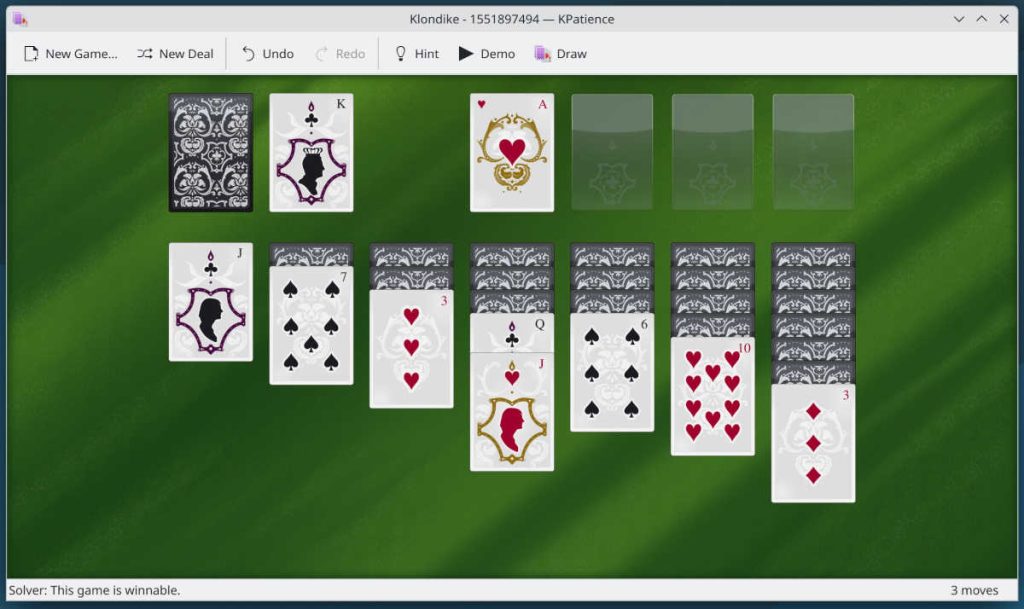
Here is the entry from the KDE ecosystem. KPatience crams 14 solitaire variations into its package.
It is snappy and easy to use. The default graphics, however, leave something to be desired. Namely, the contrast of the card faces. But fear not. You can pick from a multitude of themes in the KDE store.
5. It’s always better in the terminal
If you are the type who mocks people who prefer a graphical interface and store your mouse in a desk drawer, there are some options for you. In my short search, I found at least two fully functional Solitaire games for the terminal.
tty-solitaire
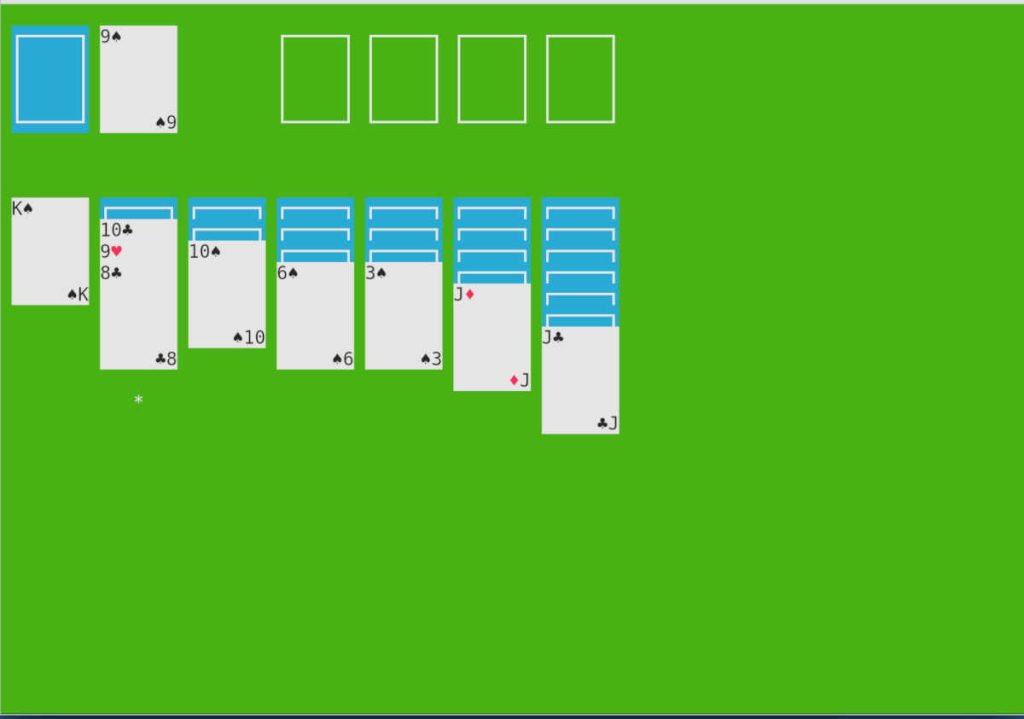
If you are a regular vim user, you will feel right at home here. This ncurses based game uses the familiar hjkl keys to move the cards. Although the arrow keys are allowed as well.
There is no auto-move functionality. You even have to flip over the face-down cards yourself when the card on top has been cleared. But I guess that just adds to the manual experience.
terminal-solitaire
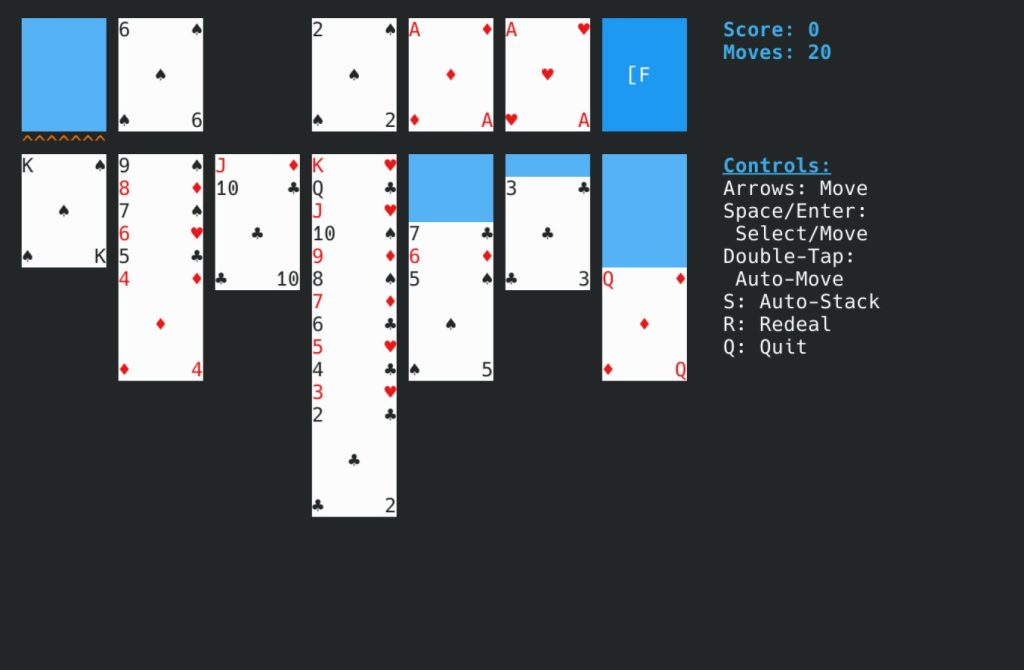
This one has a simpler and cleaner interface. The fact that it has auto-move functionality by way of double tapping the space bar when a card is selected, makes for a faster flowing gameplay.
Conclusion
Linux has a lot of options to play what is probably one of the most popular video games of all time, Solitaire. If none of the options above rise to the occasion, I am sure you can find even more versions with a little digging.
For me, I think I will stick to AisleRiot. But who knows? Maybe I will install some terminal solitaire on the Linux Digest servers when my troubleshooting sessions become boring.